Free Website Hosting in 2026: A Complete GitHub Pages Walkthrough (with Custom Domain + Free HTTPS)
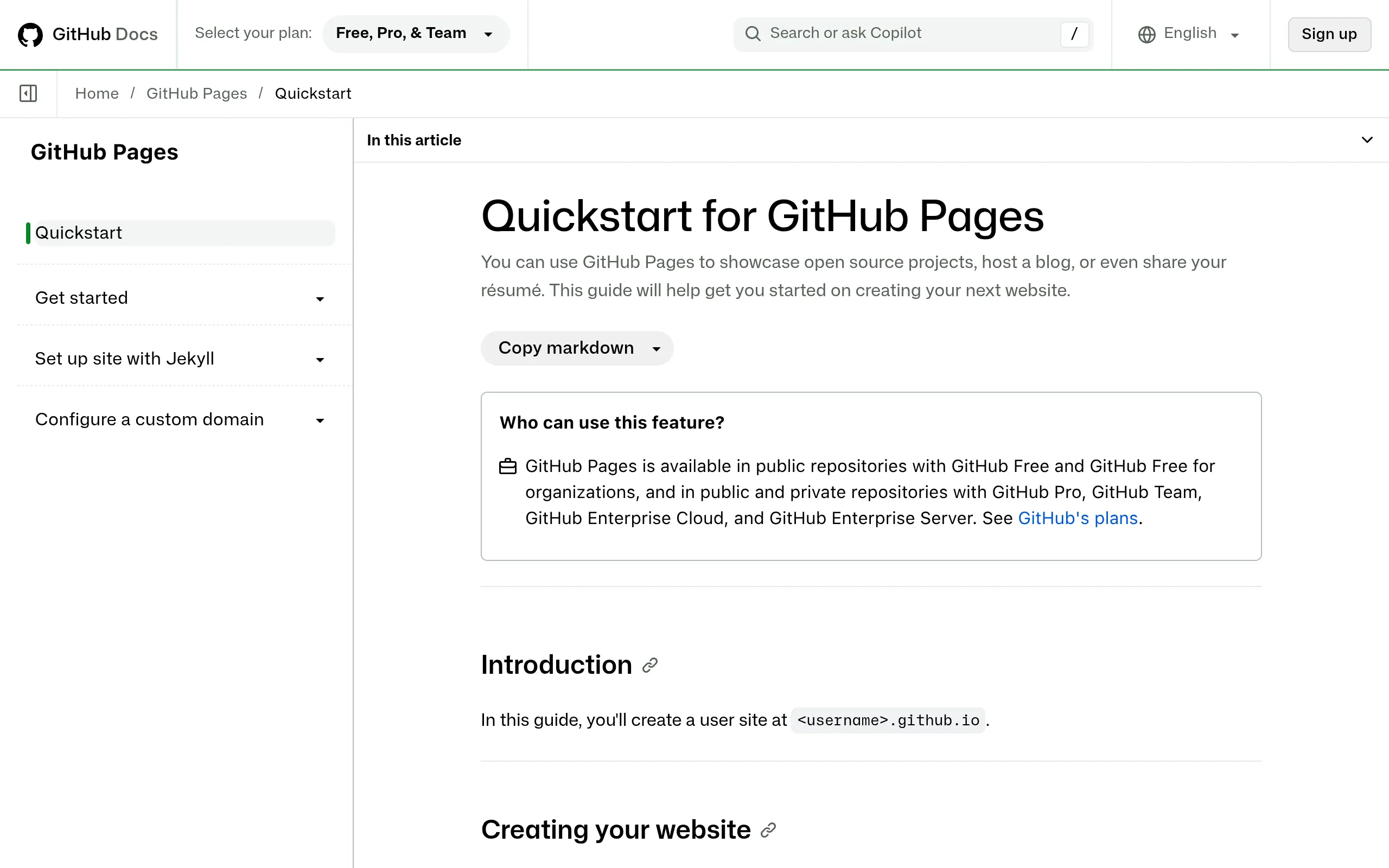
No budget for web hosting? GitHub Pages has hosted static sites for public repos for free since 2008 — no shutdowns, no surprise paywalls. Custom domains and automatic HTTPS are free too. A few clicks in your browser, and you're live in 1–10 minutes.
What You Need
- An email address (to create a free GitHub account)
- An
index.htmlfile (or any static page; a bare-bones one works — get the pipeline running first, pretty it up later) - Optional: your own domain name (only if you want to use
yourdomain.cominstead of the freeusername.github.ioaddress)
Everything happens in the browser. No software to install, no server to rent.
Step by Step
Step 1: Create a free GitHub account
Go to github.com and click Sign up. Email + username + password, verify your email, and log in. The free account is all you need for this.
Step 2: Create a repo and upload your index.html
Click + in the top right → New repository. The repo name matters:
- User site (short, clean URL): the repo name must be exactly
yourusername.github.io— e.g. usernamezhangsan→ repozhangsan.github.io→ your site ishttps://zhangsan.github.io - Project site (multiple sites per account): any repo name works, e.g.
my-shop→https://zhangsan.github.io/my-shop
Choose Public (free hosting for public repos is a certainty; Pages on private repos may require a paid plan depending on account type — don't trip on this). Then click Upload files in the web UI, drop in your index.html, and hit Commit.
Step 3: Flip the Pages switch, wait 1–10 minutes
Open the repo's Settings → Pages:
- Under Source, pick Deploy from a branch
- Set Branch to main and the folder to /(root)
- Click Save
That's it — GitHub builds and deploys. In 1–10 minutes your site is live at https://yourusername.github.io. Clear your cache if you don't see it on first load.
Step 4 (optional): Connect your own domain + free HTTPS
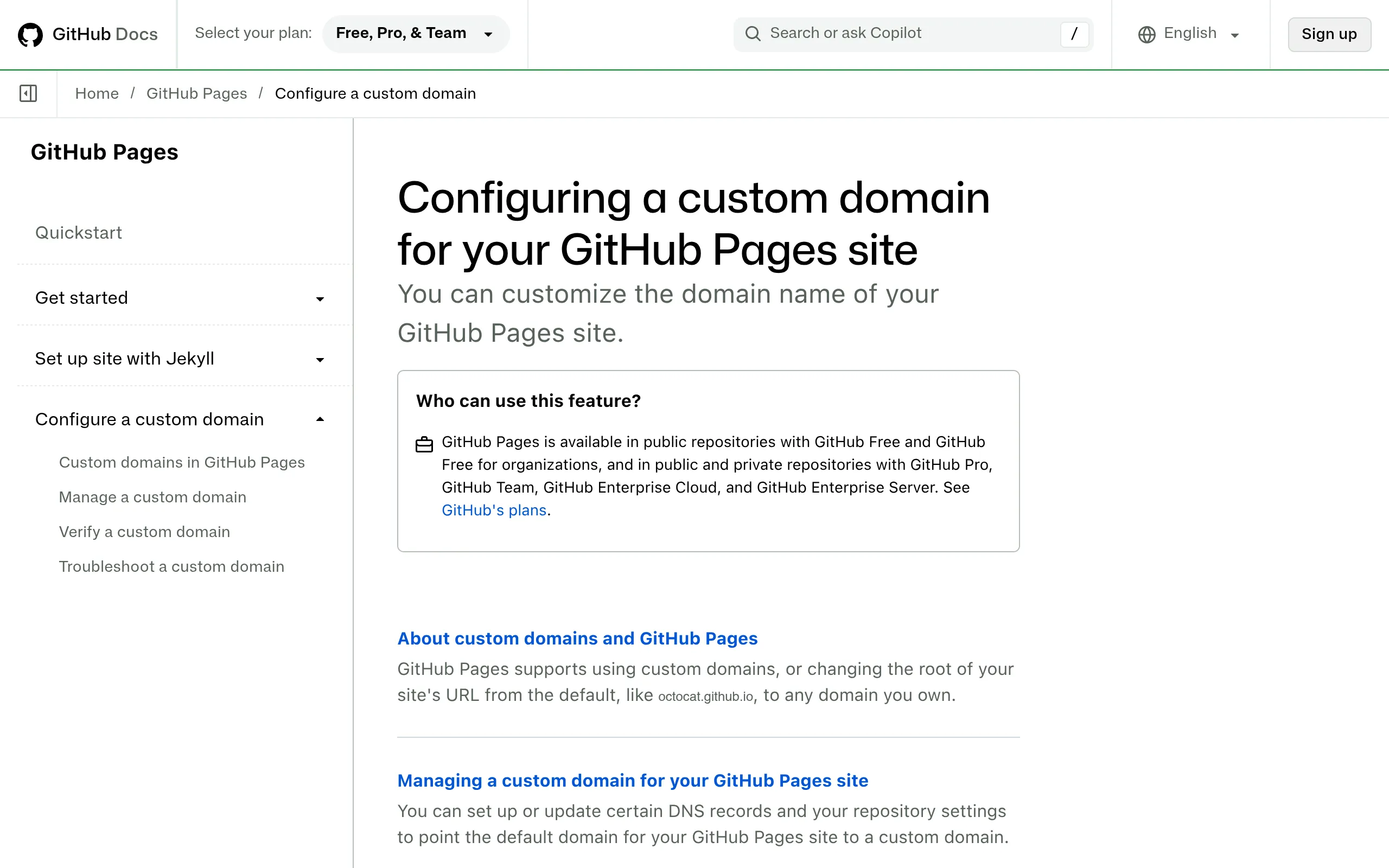
Still in Settings → Pages:
- Enter your domain under Custom domain (e.g.
shop.yourdomain.comor the apexyourdomain.com) and click Save — GitHub automatically provisions a Let's Encrypt certificate - Add DNS records at your domain registrar:
- Apex domain (e.g.yourdomain.com): 4 A records pointing to185.199.108.153,185.199.109.153,185.199.110.153,185.199.111.153
- Subdomain (e.g.shop.): one CNAME record pointing toyourusername.github.io - Back in Pages settings, check Enforce HTTPS
DNS can take a few minutes to a few hours to propagate. Give it time — it's usually done by the next morning.
Costs, Limits & Gotchas
- Cost: $0. Roughly 1 GB of site storage, ~100 GB/month of bandwidth (a soft limit personal sites rarely touch), and about 10 branch-deployment builds per hour. Custom domains and HTTPS included.
- Static files only. HTML/CSS/JS is fine; no PHP, Node, Python, or databases. If you need checkout flows or user logins, GitHub Pages isn't the tool for that.
- Don't delete the CNAME file. Once a domain is connected, a
CNAMEfile appears at the repo root — delete it and your domain mapping breaks. - Build failed? Check the Actions tab. The repo's Actions tab holds the build logs; click a red run to see the error. Wrong branch or filename casing are the usual suspects.
- How the free hosts compare (October 2026 real-world roundup): Cloudflare Pages — free with unlimited bandwidth (covered previously); Netlify — free with ~100 GB bandwidth + 300 build minutes/month; Vercel Hobby — personal, non-commercial use only. GitHub Pages wins on simplicity, stability, and being one with your code repo.
- Track record check: clean. Running since 2008, continuously free — no mass bans, no stealth paywalls, no sudden shutdowns.
Sources
- Best free website hosting with a custom domain in 2026: https://dev.to/mryadavgulshan/best-free-website-hosting-with-custom-domain-in-2026-122i
- Free website hosting with a custom domain in 2026 — what you actually get: https://medium.com/@linc_36944/free-website-hosting-with-a-custom-domain-in-2026-what-you-actually-get-e8cf7bf9b3b1
- How to connect a custom domain to GitHub Pages (2026): https://tamzidulhaque.com/how-to-connect-custom-domain-to-github-pages-2026/
- What is GitHub Pages: http://tms-outsource.com/blog/posts/what-is-github-pages/
- Free-tier showdown for a single HTML page (Netlify Drop / GitHub Pages / Tiiny Host): https://dev.to/sailorpro6/netlify-drop-github-pages-tiiny-host-what-the-free-tiers-actually-do-with-one-html-page-oct-39ok