Free Domain Email Forwarding with Forward Email: Get support@yourdomain.com for $0 (2026-10-21)
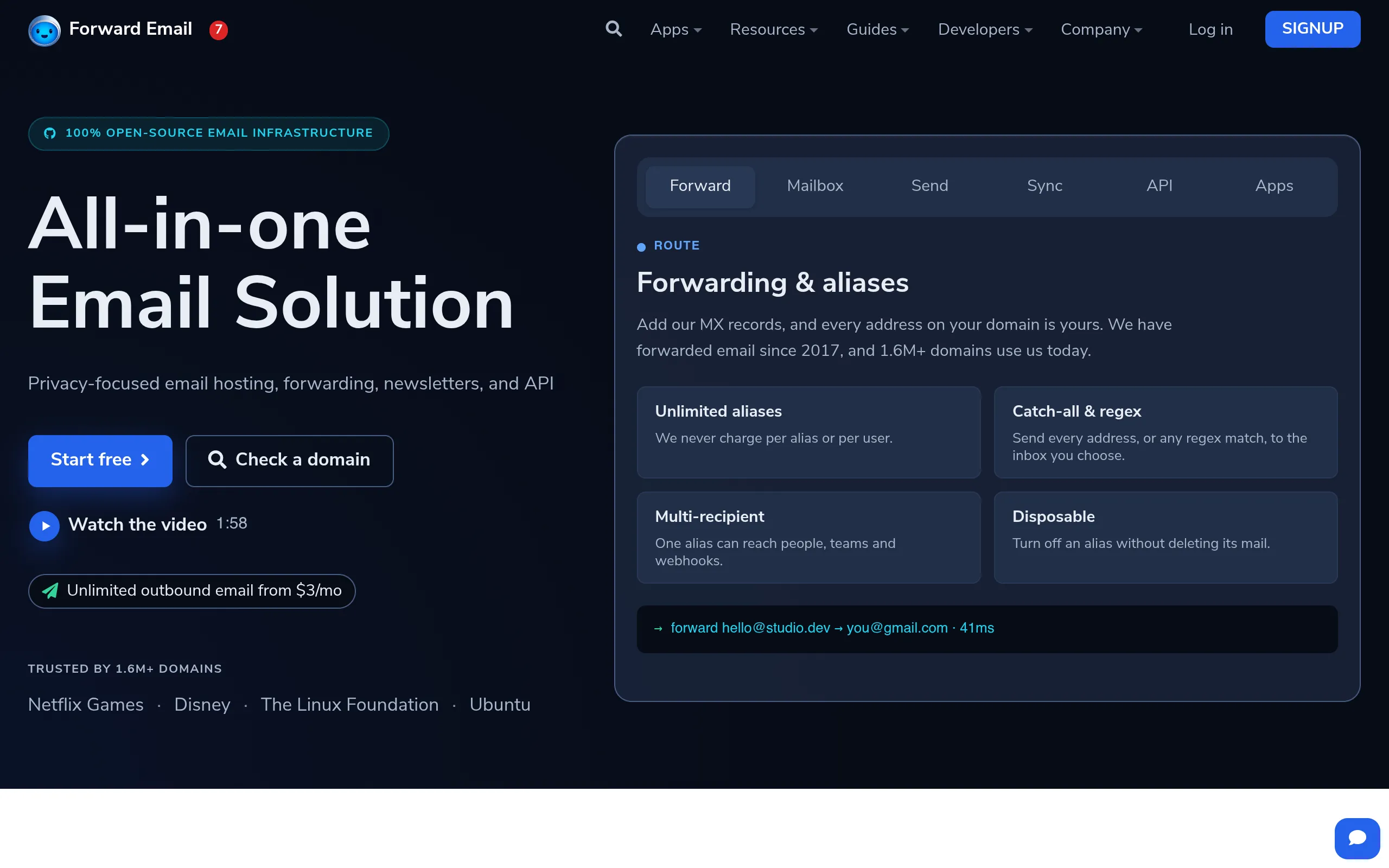
A support@yourdomain.com address instantly makes a small cross-border shop look serious. Forward Email (forwardemail.net) has done email forwarding since 2017, serves 1.6M+ domains, and is 100% open source. The free plan is pure forwarding: mail sent to your domain lands in your existing Gmail — unlimited domains, unlimited aliases, $0.
What You Need
- Your own domain name (e.g.
yourshop.com; this is the only real prerequisite) - An existing inbox to forward to (Gmail, Outlook — anything you already use)
- Access to your domain's DNS settings (you'll add two records; Cloudflare users just paste them in)
All in the browser. Nothing to install.
Step by Step
Step 1: Sign up for a free account
Go to forwardemail.net and create a free account. The homepage states the free-forwarding positioning up front — worth a glance so you know exactly what you're getting.
Step 2: Add your domain, paste in the MX / TXT records
Log in, go to My Account → Domains, click Add domain, and enter your domain. The page shows the MX and TXT records to add (they verify ownership and route the forwarding). Copy them into your registrar's DNS settings — Cloudflare users can paste them directly.
DNS usually propagates in minutes to an hour. Come back, wait for the status to go green, then continue.
Step 3: Add aliases, point them at your inbox
Once the domain verifies, add aliases, for example:
support@yourshop.com→ your Gmail (customer support)orders@yourshop.com→ your Gmail (order notifications)noreply@yourshop.com→ your Gmail (system mail)
Unlimited aliases — dozens per domain is fine.
Step 4: Send a test email
From another address (your phone, say), email support@yourshop.com and check it lands in your Gmail. If it arrives, the pipeline works.
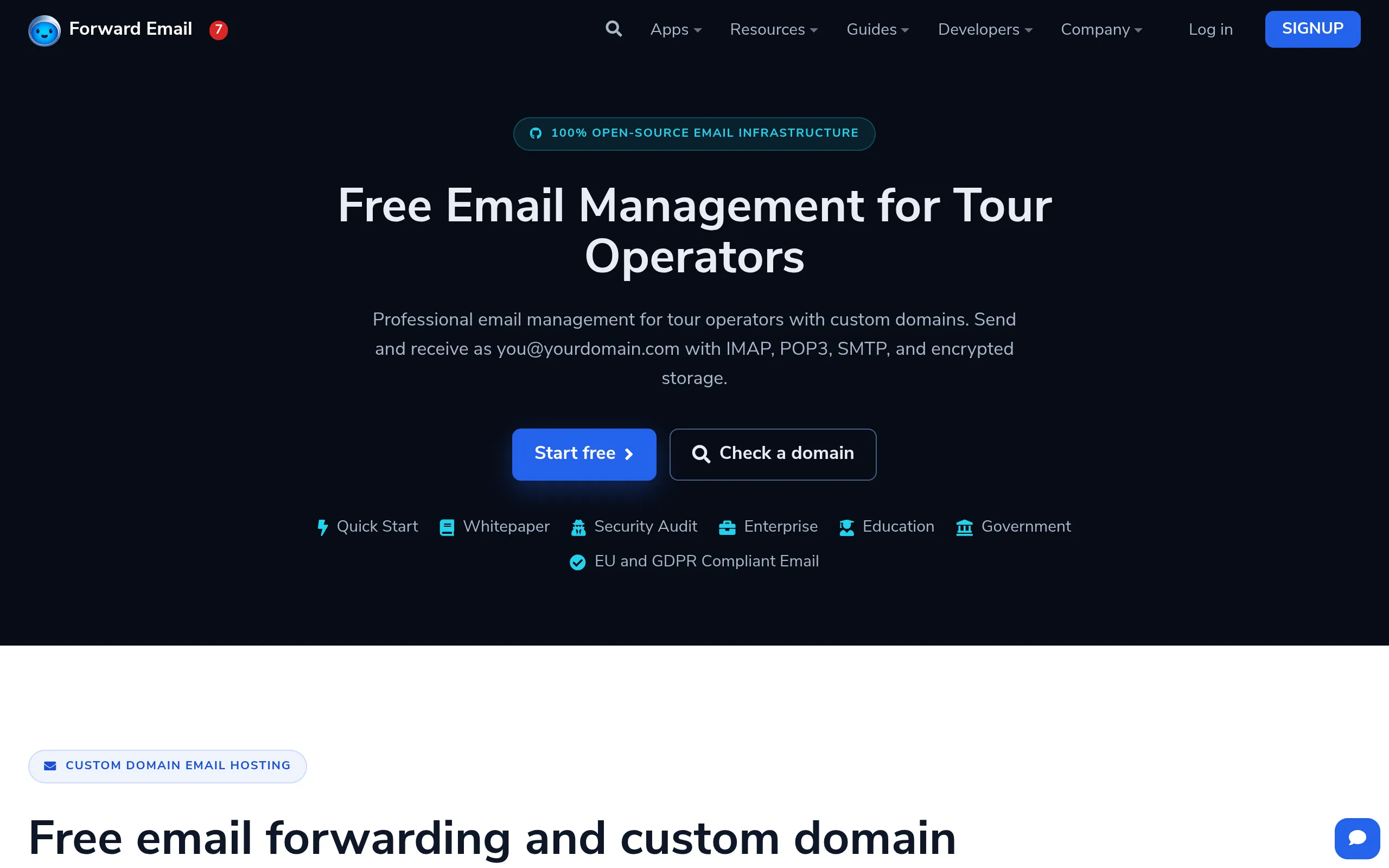
Know the free plan's boundary first (from the official FAQ): free = receiving/forwarding only. No sending from your domain, no mail storage. To reply as support@yourshop.com or send campaigns, you'll need to upgrade.
Costs, Limits & Gotchas
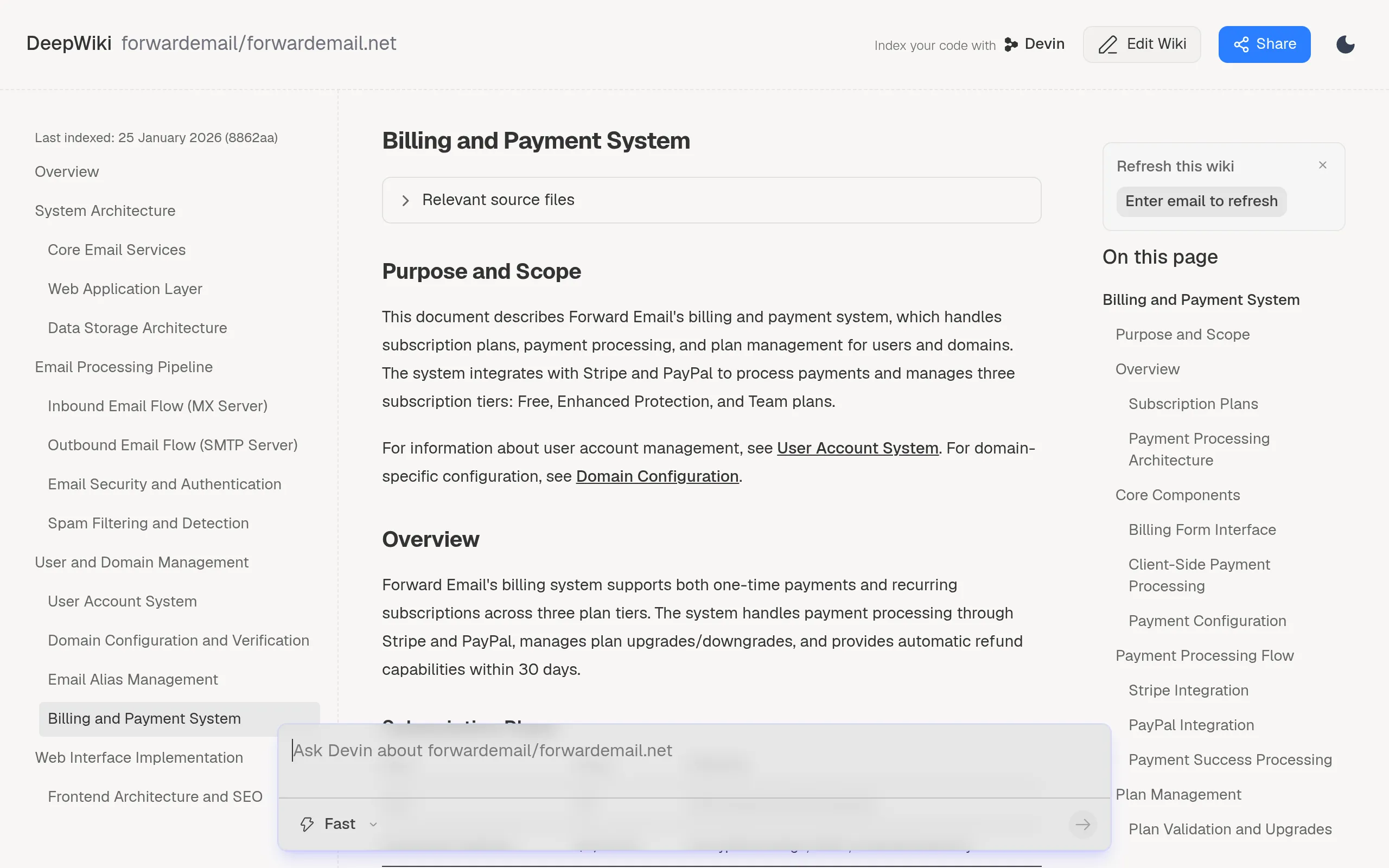
- Three plans (2026): Free $0 (forwarding only) / Enhanced Protection $3/month (sending via SMTP + 10 GB storage) / Team $9/month. All three include unlimited domains and aliases. Start free; upgrade only when you genuinely need to send from your domain.
- Free-plan replies expose your Gmail. A customer emails
support@yourshop.com, you reply from Gmail, and they see your Gmail address. If that bothers you, the $3 plan with SMTP is the fix. - Forwarded mail can hit spam. Mail forwarded into Gmail is occasionally flagged. Fix: whitelist the sender domain/address, and send a test message before any important customer exchange.
- Don't route critical verification codes through it. Bank logins, payment-platform OTPs, security emails for key accounts — forwarding adds latency and a small risk of loss. Receive those in a native inbox, not through a forwarder.
- Track record check: clean. Forwarding since 2017, 100% open source, 1.6M+ domains — no history of mass bans, stealth paywalls, or sudden shutdowns.
Sources
- Forward Email official site: https://forwardemail.net/en
- Official email management overview: https://forwardemail.net/en/tour-operators-email-management
- Billing and payment system breakdown (DeepWiki): https://deepwiki.com/forwardemail/forwardemail.net/4.4-billing-and-payment-system