Wise Multi-Currency Account Walkthrough: 40+ Currencies + Local Bank Details (Oct 20, 2026)
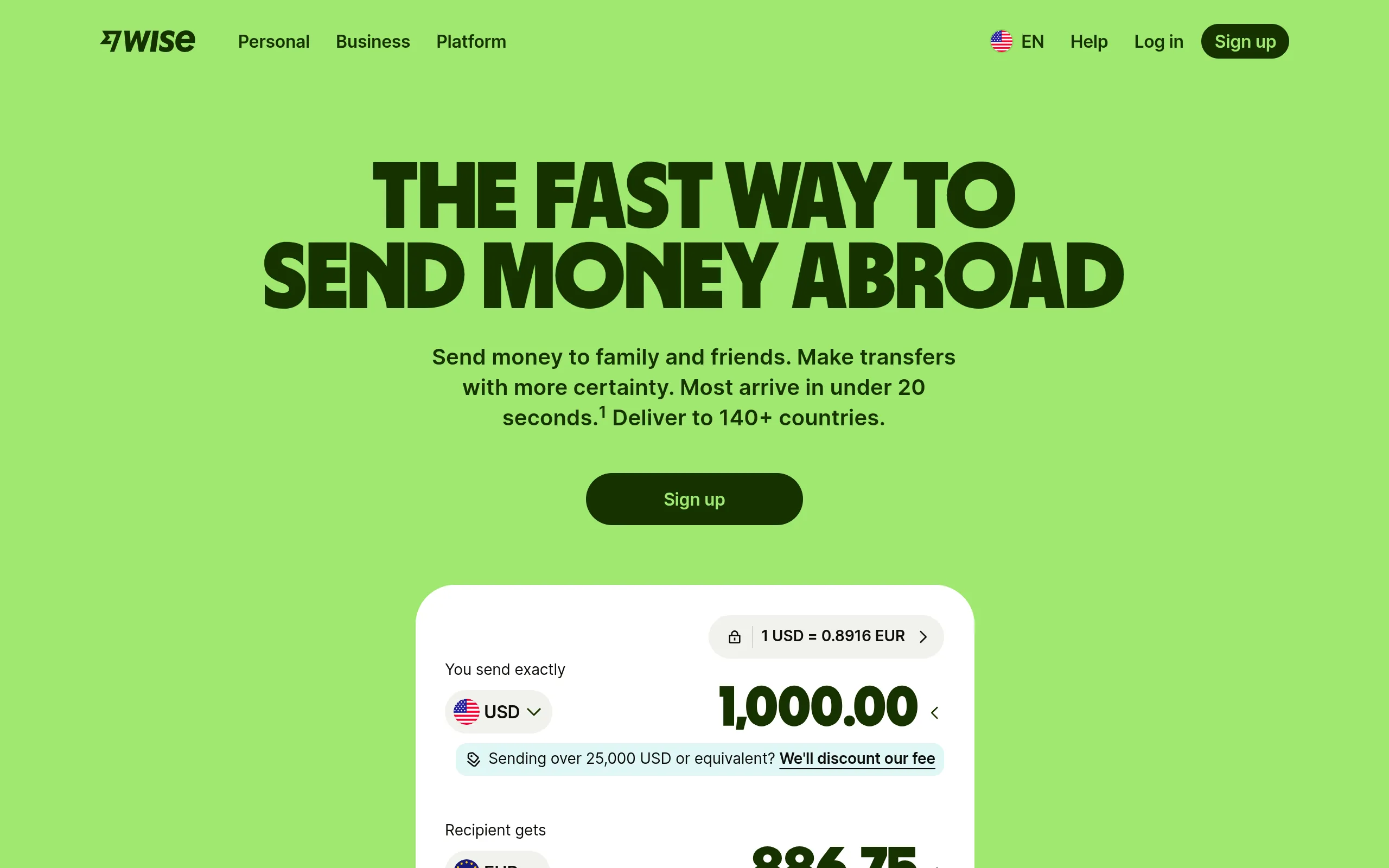
One-line takeaway: Getting paid internationally starts with having somewhere to receive it. A Wise personal account is free with no monthly fee — hold 40+ currencies and get real local bank details (USD ACH, EUR IBAN…), converting at the mid-market rate with transparent fees. Verification takes about 10 minutes.
What you need
- An email address (or one-click signup with Apple / Google)
- A photo ID (passport or national ID) + a quick selfie for verification
- Fully online, no branch visit; available in a long list of countries (check the live eligibility on wise.com's signup page for yours)
Step by step
Step 1: Sign up and choose Personal
Open wise.com and register. Wise splits Personal and Business — freelancers, creators, and affiliate payouts belong on Personal; Wise explicitly requires personal accounts for personal transactions only.
Opening and holding the account is free with no minimum balance — that's in the official fee policy. Wise makes money on transparent transfer/conversion fees, not on exchange-rate markup: the rate you see is the mid-market rate you'd find on Google.
Step 2: Verify identity — ID photo + selfie, ~10 minutes
A 2026 video walkthrough recorded the flow in detail: upload front/back photos of your ID → take a selfie for liveness → wait for review, usually approved within 10 minutes.
Practical tips: no glare on the ID photo, all four corners visible; good lighting for the selfie, no sunglasses; use the exact name spelling from your ID — one clean pass saves the most time.
Step 3: Open currency balances + grab local account details
After verification, hit Open a balance in the dashboard — 40+ currencies, free to hold. Then Get account details gives you genuine local banking info, for example:
- USD: US routing (ACH) number + account number (works for US client payments, Stripe payouts, etc.)
- EUR: IBAN (for European clients)
- GBP: sort code + account number
8+ currencies have local details. Note the two different lists: hold/convert (40+) vs. receive locally (8+) — confirm your settlement currency is on the receiving list before promising it to a client.
Step 4: Issue a virtual card and spend from your phone
Issue a virtual card free in the dashboard and add it to Apple Pay / Google Pay — good for server bills, domains, SaaS subscriptions. The physical card is a separate order (~$9 one-time in the US, no annual fee). Spending a currency you hold is free; spending one you don't auto-converts at the mid-market rate plus a transparent conversion fee.
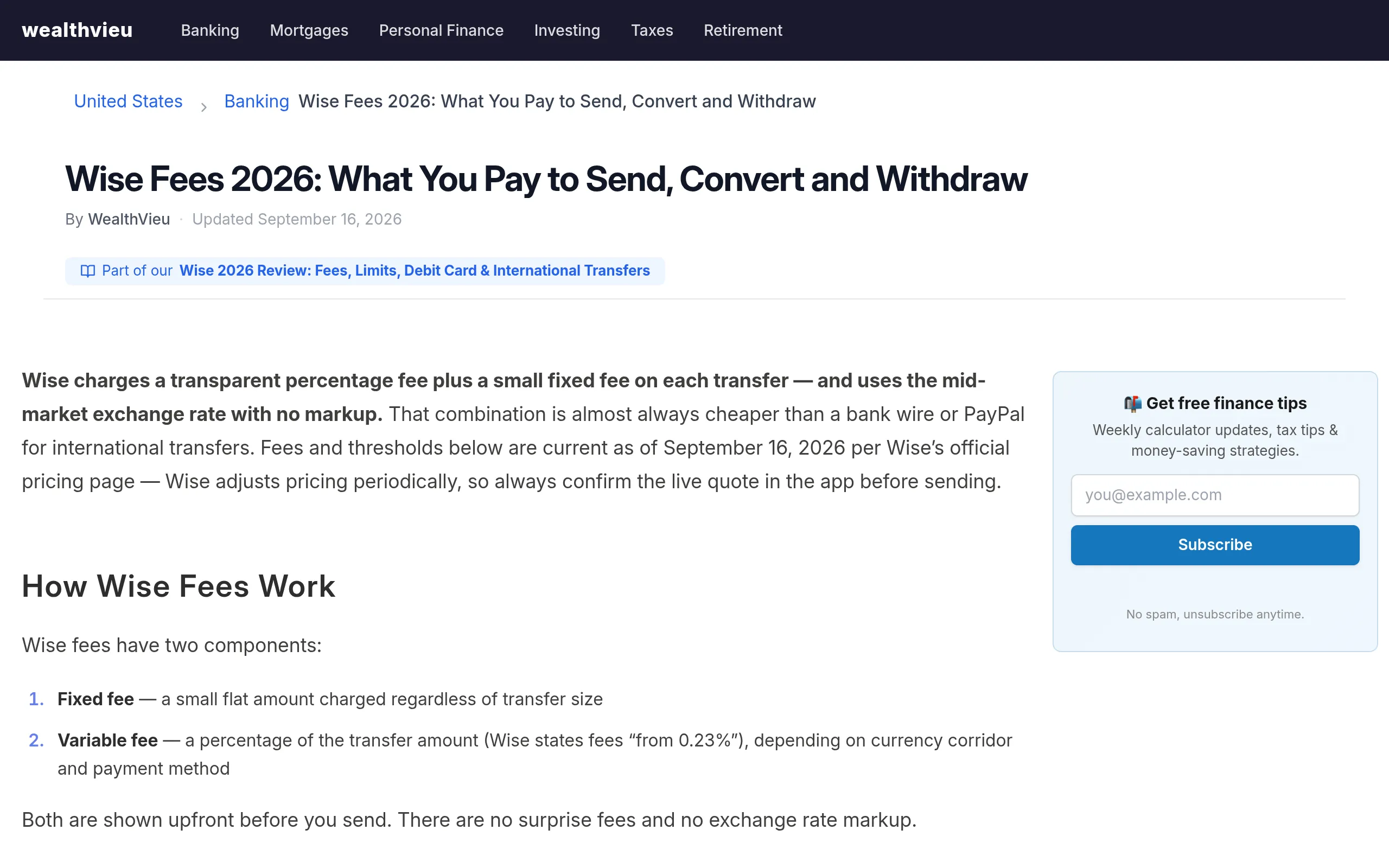
Full 2026 picture (May 2026 schedule): conversion from 0.23% at zero markup on the rate; US ATM withdrawals free up to $250/month, then $1.95 + 1.95%. Every fee is quoted upfront before you confirm — that's Wise's whole pitch, and the real difference from "low-rate" wallets that hide margin in the exchange rate.
Notes, costs, pitfalls
- Wise is not a traditional bank: funds sit in segregated safeguarded accounts under 65 global licenses — but that's not deposit insurance. Don't park large long-term savings here.
- Don't run business volume through Personal: receiving business income on a personal account invites compliance questions. Open the business account if that's your use case.
- Avoid Pyypl: same "passport signup" lane, but rated 2.1 stars on Google Play (58k reviews) — users report a $5 card issuance fee, 5% commission per purchase, and even $1 penalties on failed transactions. "Free signup, predatory fees" is exactly what to avoid.
- Test with a small amount first: have a client send $10/€10 first to confirm the route and timing before large sums. Settlement speed varies by currency (USD ACH is typically same-day).
- Wise vs. a full bank account: Wise is the fastest, lowest-friction way to get a working receive-and-spend loop. If you later need a proper US bank account, that's a separate track (video-verified bank onboarding) — Wise gets you operational today.
Sources
- Wise official site (free signup, 40+ currencies, local account details): https://wise.com/
- Wise 2026 fee breakdown (free signup, from 0.23% conversion, free virtual card, ATM rules): https://wealthvieu.com/banking/wise/fees/
- 2026 Wise signup video walkthrough transcript (ID + selfie, ~10 min approval): https://youtubetotranscript.com/transcript?v=lBAXuJDWH74