Oracle Cloud Free Tier: Spinning Up the 2-Core 12GB Ampere A1 Instance (Oct 20, 2026)
One-line takeaway: After the June 2026 cut, Oracle's free tier is 2 OCPUs + 12GB RAM + 200GB storage + 10TB traffic — free forever. This walkthrough covers registration through SSH login, plus how to beat the infamous "out of capacity" error.
What you need
- An email address (Gmail/Outlook recommended for verification)
- A real credit card (identity verification only — a temporary $1–2 authorization hold, reversed in days; no charge unless you upgrade. Virtual/prepaid cards get rejected)
- A phone number (SMS verification)
- An SSH client (Terminal on macOS/Linux, PowerShell or PuTTY on Windows)
- Patience: the free A1 pool is often "out of capacity" — Step 4 is all about working around that.
Step by step
Step 1: Register — your home region is permanent
Go to oracle.com/cloud/free and click Start for free. Enter your email → verify → name and address exactly as on your card statement → choose your home region → add card → SMS check.
Your home region can never be changed, and free A1 instances can only be created there. In the US, Ashburn (East) and Phoenix (West) tend to have the most capacity; smaller regions can paradoxically be easier. Do the whole signup without a VPN/proxy — mismatched IP and details are the #1 rejection trigger.
Step 2: Create the instance — Ampere A1.Flex at 2 OCPU / 12GB
In the console: hamburger menu → Compute → Instances → Create instance. Oracle's official docs break the form down field by field:
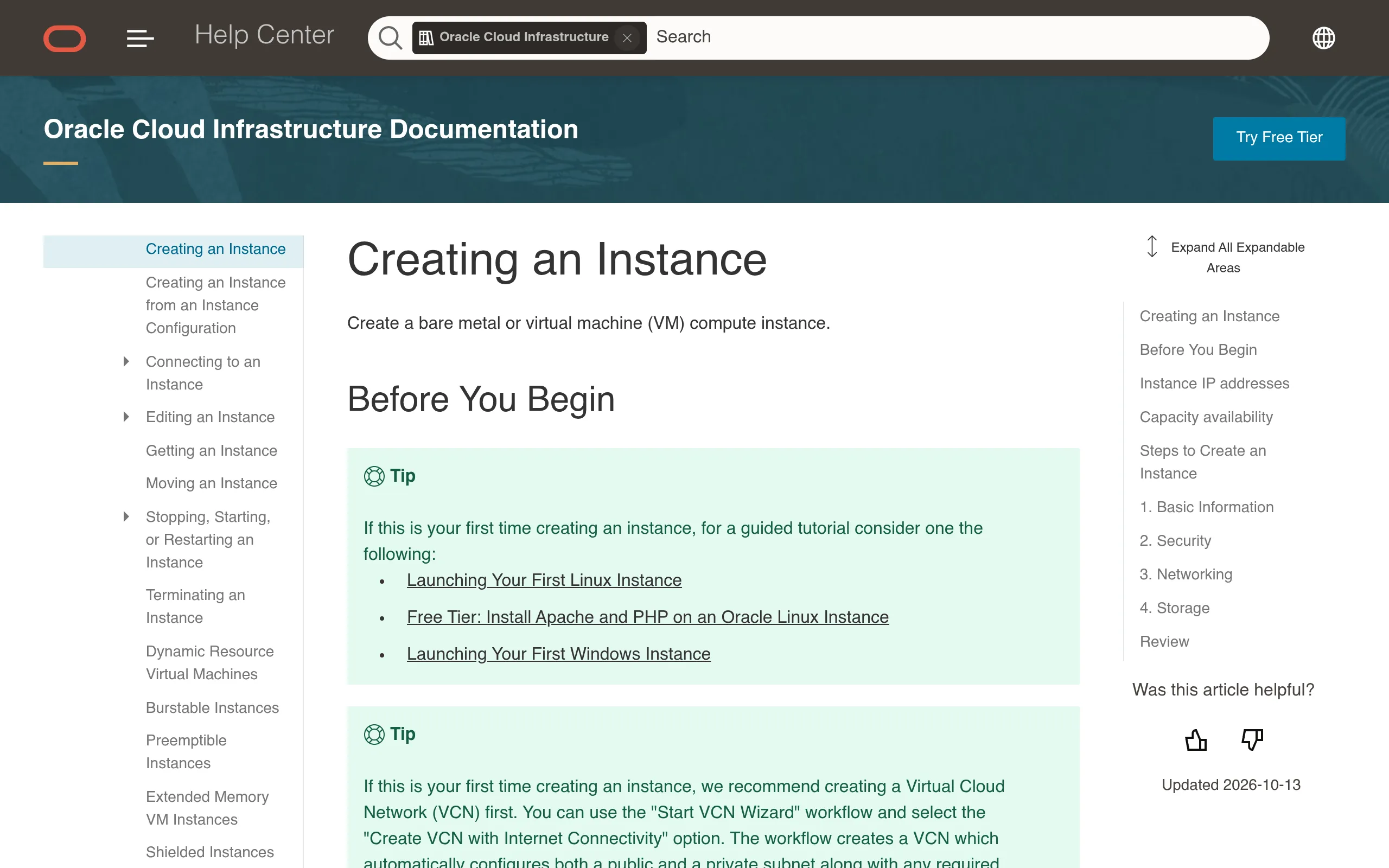
Fill it in like this:
- Image: Canonical Ubuntu (ARM build) — look for the "Always Free-eligible" label.
- Shape: Change shape → Ampere → VM.Standard.A1.Flex, drag the sliders to 2 OCPUs / 12 GB — the current free ceiling since June 2026 (it used to be 4/24). Want two small servers? Split it 1C6G + 1C6G.
- Networking: keep the default VCN, check Assign a public IPv4 address (otherwise you can't reach it).
- SSH keys: paste your public key, or let Oracle generate a pair and download the private key (the console won't show it again).
- Boot volume: the 47–50GB default is fine — it counts against your 200GB free block storage.
- Click Create; status turns Running in 1–3 minutes.
Step 3: SSH in and open the firewall (both layers)
ssh -i ~/.ssh/your-key ubuntu@YOUR_PUBLIC_IP
uname -m   # aarch64 confirms ARM — correct
Then open the firewall — Oracle blocks inbound in two places: the console security list and the OS-level iptables. In the console go to Networking → VCN → Security Lists and add ingress rules (80/443 etc.); on the box:
sudo iptables -A INPUT -p tcp --dport 80 -j ACCEPT
sudo iptables -A INPUT -p tcp --dport 443 -j ACCEPT
sudo netfilter-persistent save
Opening only one layer is the classic beginner trap — your service stays unreachable.
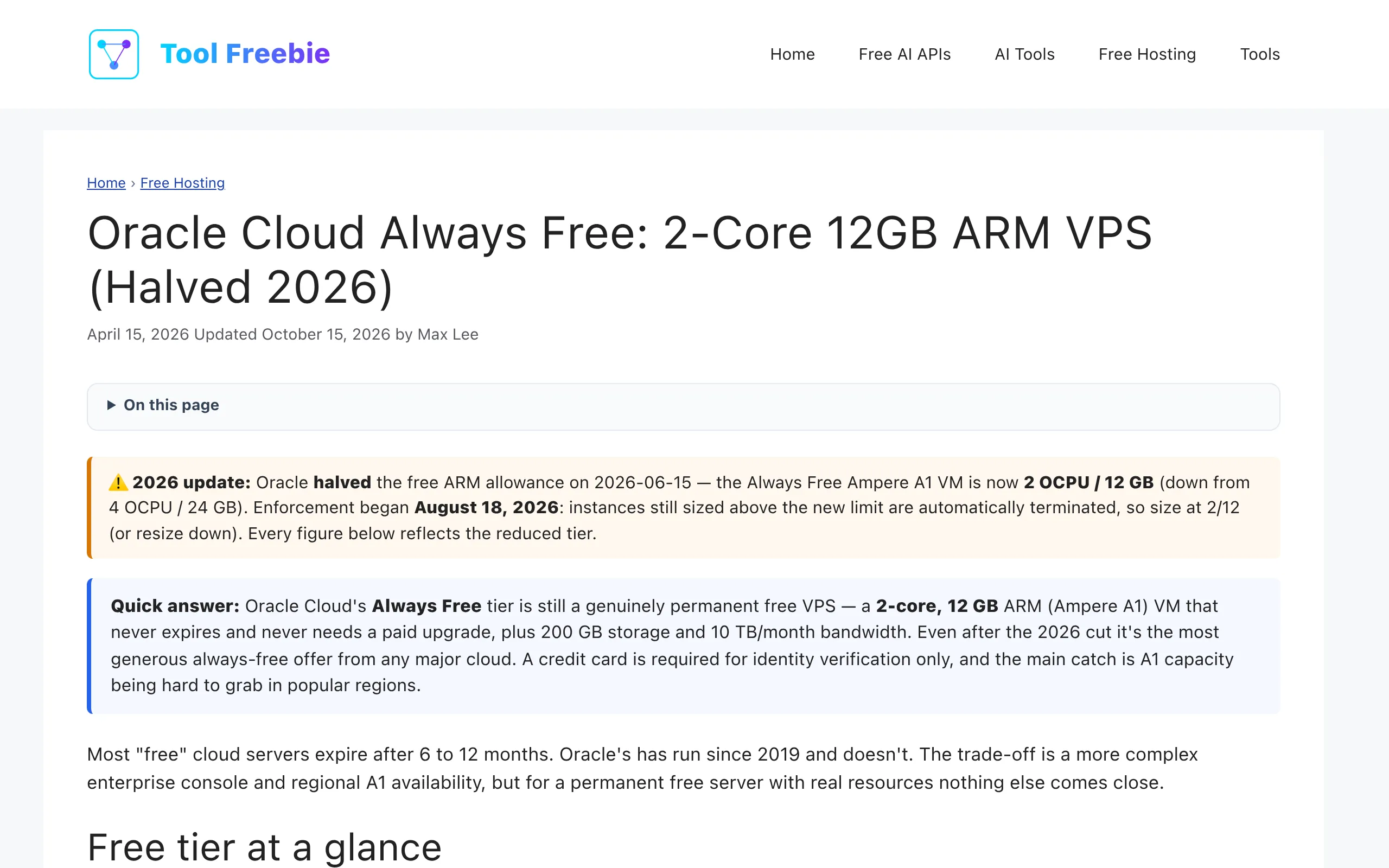
The limits breakdown above (updated October 2026) is worth saving: A1's 12GB is 12× Google's free e2-micro (1GB), and 10TB/month egress is in a different league — which is exactly why everyone's fighting over capacity.
Notes, costs, pitfalls
- "Out of host capacity" is normal, not a rejection: the free ARM pool just empties out. Fixes: try a different availability domain, retry off-peak, or grab a 1C6G instance first as a placeholder. Scheduled retry scripts are standard practice.
- The hard ceiling: 2 OCPUs + 12 GB total per free tenancy (1,500 OCPU-hours + 9,000 GB-hours/month). Instances above the old 4/24 limit were shut down in June 2026 — don't plan around the old numbers.
- Don't accidentally upgrade: only resources tagged "Always Free" are free. A pay-as-you-go shape bills ~$0.01/OCPU-hour + $0.0015/GB-hour (about $27/month maxed out).
- Signup rejection checklist: details not matching the card statement, virtual card, registering over VPN, repeated rapid submissions — any of these trips fraud prevention. Real details + real IP + one clean attempt.
- What to run on it: Docker apps, personal blog/startpage, self-hosted VPN, cron jobs, small quantized AI inference — 12GB even fits a small local model.
Sources
- Oracle free signup page (registration flow, card verification): https://www.oracle.com/cloud/free/
- Oracle official docs, Creating an Instance (Ampere shape selection, SSH keys): https://docs.oracle.com/en-us/iaas/Content/Compute/Tasks/launchinginstance.htm
- 2026 limits explained (2C12G cut, free-VPS comparison, both firewall layers): https://toolfreebie.com/oracle-free-arm-vps/